Examples of school conversations
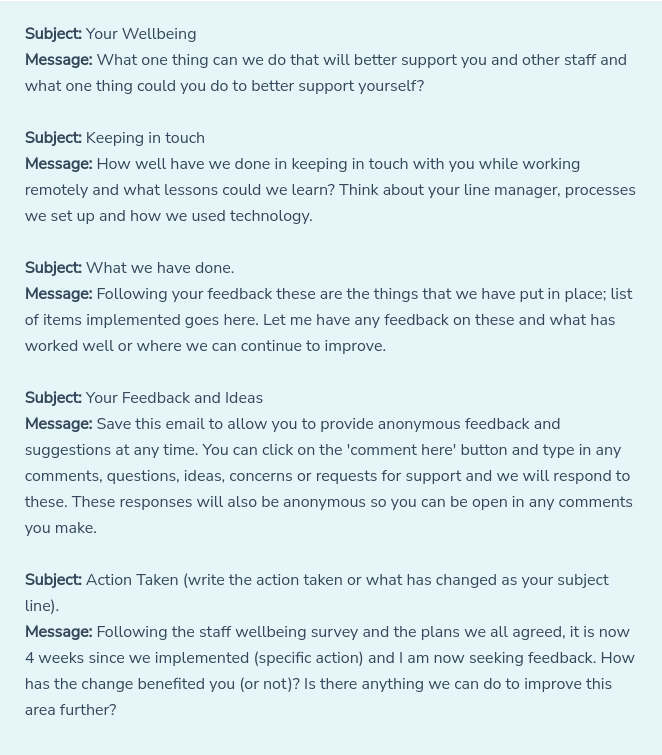
Schools use Welbee Voice for different purposes depending on the feedback they are seeking from staff.
Below are five of the top conversations we have seen schools use since the launch of Welbee Voice.
Related Articles
Step 2: Starting conversations and issuing staff invitations
When you successfully upload your staff details you will automatically be taken to your conversation dashboard. This is also where you go to start any further conversations and issue staff invitations. To issue your first and subsequent invitations, ...Step 5: Responding to staff comments
From the Conversations menu you can continue to respond and interact with any staff comments as long as needed. This allows you to create ongoing and open conversations, address concerns, seek ideas and solutions or use it in the way that best ...Welbee Voice forever free
While we hope that you will want to use Welbee Voice (Pro) with all features, allowing you to have multiple users and assign staff to multiple groups, there is a free account available. Using Welbee Voice means it will become part of the way the ...How does Welbee Voice work?
Welbee Voice is very simple to access and use. After adding your staff records, the only administration needed, it is just like sending and receiving an email. These instructions cover the period when you are in your free trial and when you have ...Step 1: Setting up your account
The first thing is to set up your account so you can start to ask staff for their feedback. Add staff records You will need to add your staff members details and you can do this within the Staff Management tab on your menu on the left of your ...